ElectriMotive3D
ElectriMotive3D

Build the e-bike before you buy the parts.

Put the whole system together in 3D: motor, controller, battery and wiring. Set the rider, the bike and the hill, and see what it does. The speed it holds, how far the pack goes, how far the voltage sags, and whether the motor cooks on the climb. Then take the motor apart and break it on purpose.

Runs in any current browser. The Android app is on its way to Google Play.

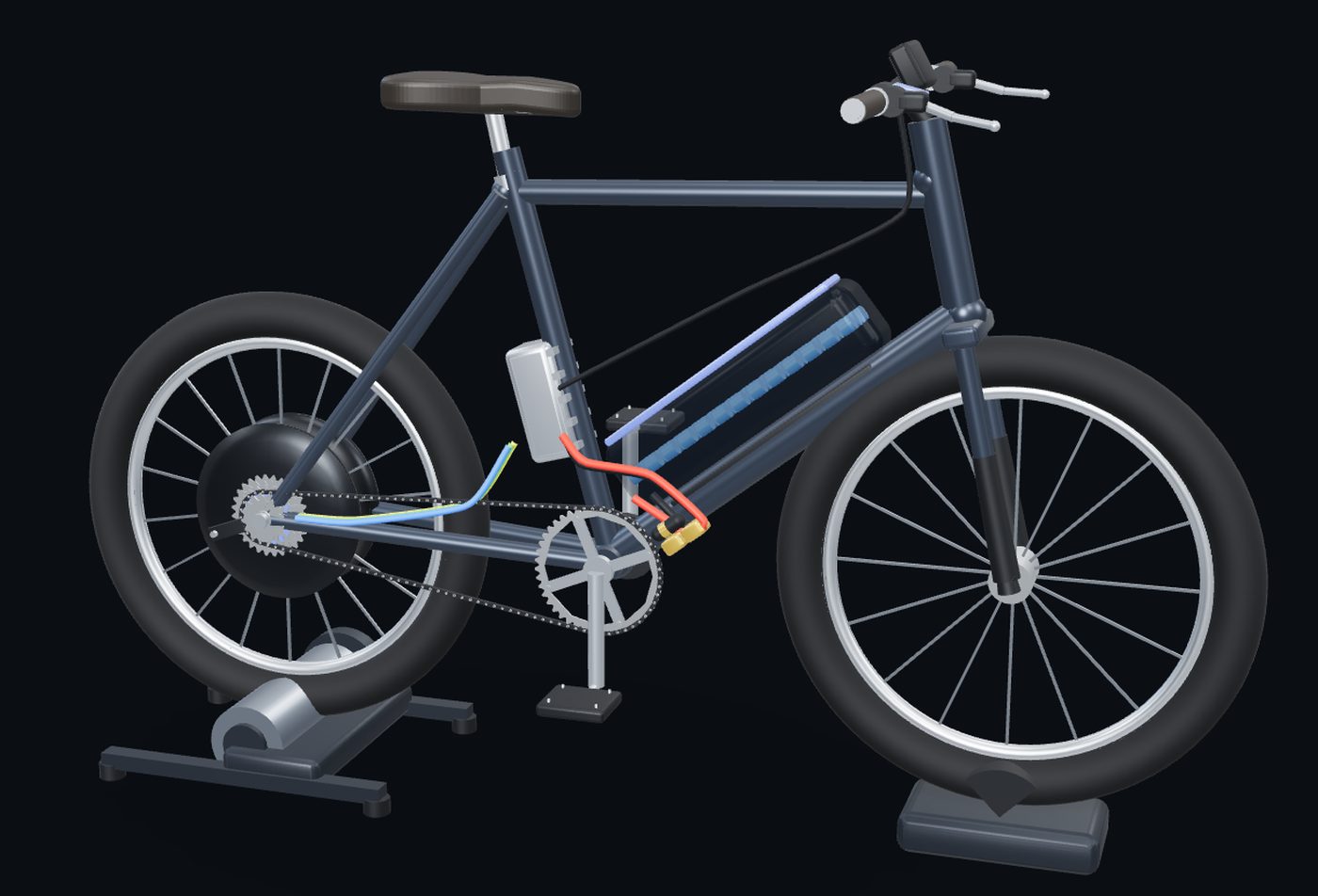
A hub-motor e-bike on a trainer stand, with the battery, controller and wiring in place

Build

The whole system, not just the motor

Start from a direct-drive hub, a geared hub or a mid-drive. Tap any part on the bike to swap it: the motor's windings and magnets, the controller, the cells and how many in series and parallel, the gearing, the wheel.

Every change flows through, and the build checks the parts against each other: a pack with more cells than the controller is built for, a charger that stops at the wrong voltage, a BMS that will cut out at full throttle, a fuse bigger than the wire can carry. It tells you before you order anything.
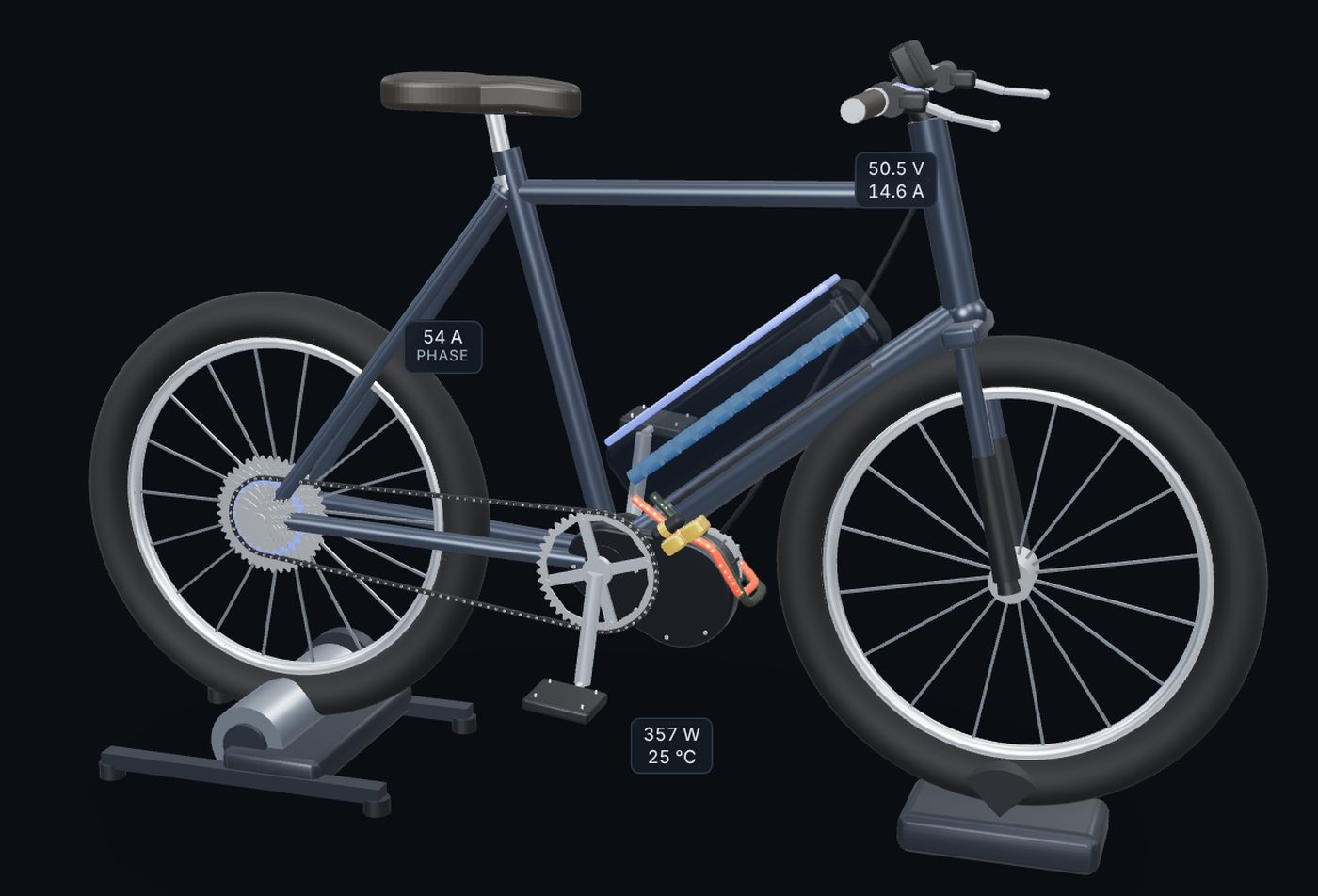
A mid-drive e-bike running, with phase current, pack voltage and motor power labelled on the parts

Ride

Your weight, your bike, your hill

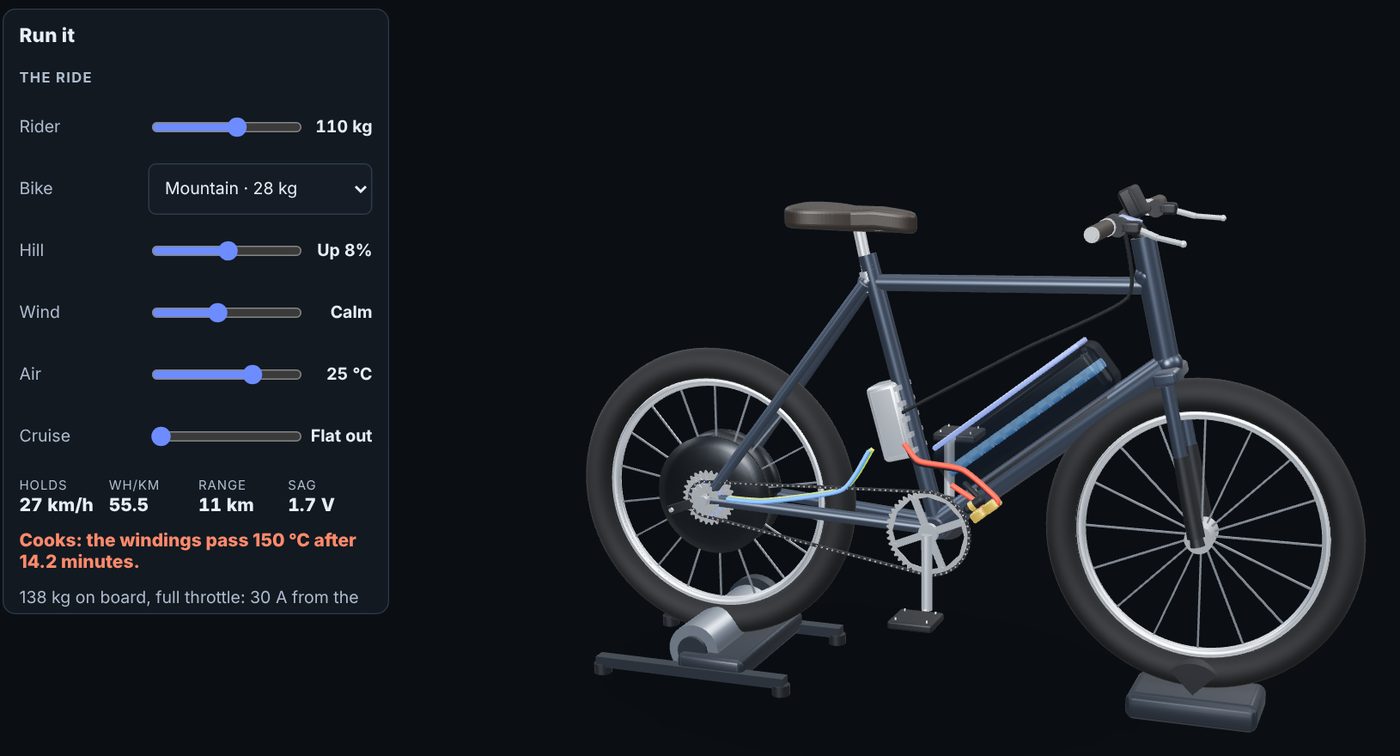
Set the rider, the kind of bike, the grade, a head or tail wind, the air temperature and the speed you want to hold. The same ride is used everywhere in the app, so two builds are always compared on the same road.

Holds
the speed it can keep
Wh/km
what each kilometre costs
Range
on the usable pack
Sag
pack voltage under load
Heat
minutes until it cooks, or where it settles

Save one build as A, change a part, and see the two side by side: top speed, the speed on your ride, range and heat, with the better figure in each row marked.

The ride panel: a 110 kg rider on a mountain bike up an 8% hill, with speed, Wh/km, range, sag and a warning that the motor cooks after 14 minutes

Teardown

Pull it apart and see why it works

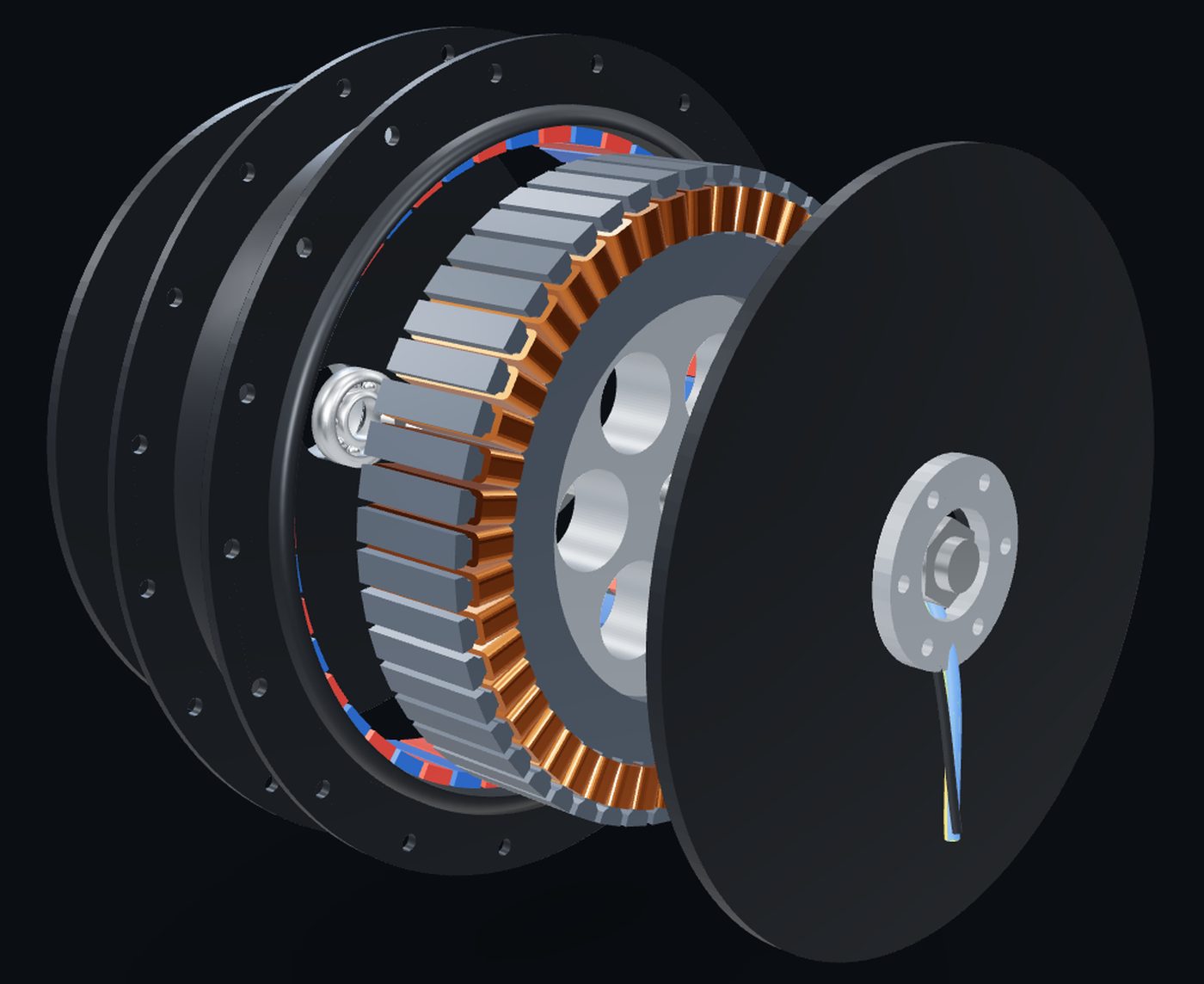
Slide the motor open: covers, bearings, the stator stack and its copper windings, the magnet ring. Turn it, zoom right in, and watch the current move through the phases while it runs.

Alongside the three bike motors are an RC outrunner and two EV traction motors, a permanent-magnet machine and an induction motor, for comparing how the same idea is built at different sizes.

A direct-drive hub motor pulled apart: side covers, stator with copper windings, magnet ring and axle

F.U.S.E.™

Break it, then find what broke

Failure Understanding Simulation Engine, the same engine that runs component failure in CircuiTry3D and engine failure in AutoMotive3D. Put a fault into the build and read the symptoms, or let a bad combination of parts fail on its own.

Dead hall sensorStutters and cogs from a stop, fine once it's rolling.
Blown controller MOSFETJerks once and quits. The wheel is notchy to push.
Tired cells, heavy sagCuts out at full throttle, comes back when you let off.
Cooking on a long climbStrong at the bottom of the hill, fading by the top.
Stripped nylon gearThe motor whirs and the wheel barely pulls.
Axle spun in the dropoutDead after a hard launch, phase wires torn at the axle.
Melted phase connectorPower cuts in and out under load. Burnt plastic smell.
Blown main fuseEverything dead, display and all, after a hard pull.

Who it's for

The person building one in the garage

ElectriMotive3D is for anyone putting an e-bike together, or wanting to understand the one they have, and for the classes that teach how electric motors and battery systems work. Students never pay.

It's part of the 3D Learning Family, a set of 3D apps built by a carpenter and electrical apprentice in Surrey, British Columbia, because seeing a system and taking it apart is how it sticks.